
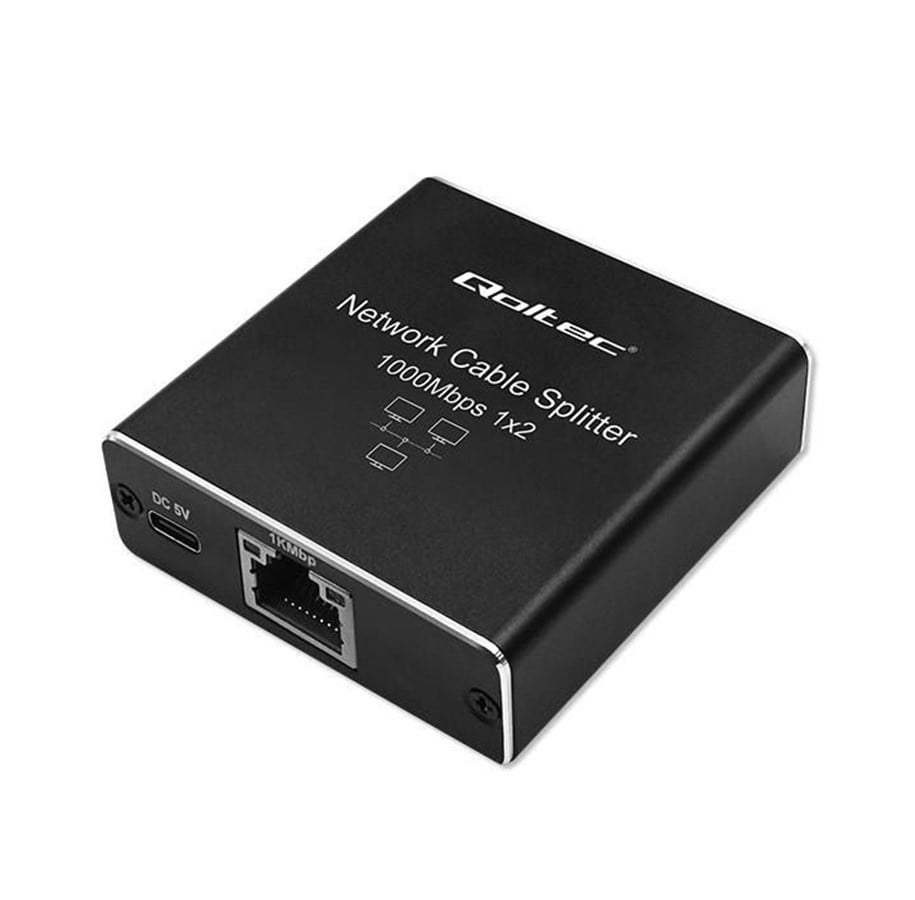
Qoltec Mini USB-C-betriebener Gigabit Ethernet switch - 2 Ports - Unmanaged
switch mit Aluminiumgehäuse, USB-C-betriebenem Betrieb, unmanaged Einrichtung und 2 x 10/100/1000 RJ-45-Ethernet-Ports für Desktop-Netzwerke.
Der Qoltec 52249 ist für einfache Plug-and-Play-Nutzung konzipiert und bietet schnelle und stabile Gigabit-Ethernet-Konnektivität ohne komplizierte Konfiguration.
Mit Unterstützung für Übertragungsdistanzen bis zu 100 metres, vergoldeten Anschlüssen und einem Betriebstemperaturbereich von -10°C bis 55°C passt er zuverlässig in Heim- oder Office-Setups.
Eine kompakte Netzwerklösung zum Hinzufügen zuverlässiger kabelgebundener Konnektivität, wenn zwei Ethernet-Ports benötigt werden.


ERWEITERTES RÜCKGABERECHT
Proshop bietet Privatkunden ein erweitertes Rückgaberecht für alle Bestellungen an, die zwischen dem 01. November und dem 23. Dezember getätigt wurden. Lesen Sie die Bedingungen hier.
Discover the full potential of your network
Stable and fast local network
A reliable and efficient network device that will allow you to split the signal into 2 outputs at a transmission speed of 1000 Mbps. The device will provide you with a stable and fast connection and smooth data transmission over a distance of up to 100 metres. This functionality allows you to uniquely expand the possibilities of using and enjoying your multimedia system, without the need for additional complex solutions or costly investments in additional equipment. Now you can enjoy your favourite films, video games or presentations on several receivers at the same time.
Functionality always at hand
Data rate up to 1 Gbps, signal range up to 100 m
Discover new possibilities with a Qoltec device that offers:
- Signal distance up to 100m,
- Equipped with 3 RJ45 ports (1 x Input, 2x Output)
- Data rates up to 1Gbps,
- Aluminium housing, gold-plated connectors and reinforced PCB
- Works with CAT 5, 5e, 6 network cables.
Expand your multimedia capabilities
Simple and quick installation
Our device offers instant and trouble-free installation,thanks to Plug&Play technology, which requires no additional configuration or technical expertise. Just a few simple steps are required. Firstly, connect the devices to the appropriate RJ45 ports using the appropriate network cables and then connect one of the ports to your router or access modem. Make sure the LEDs on the switch indicate activity on the ports.
Management-Funktionen
Anschlüsse und Schnittstellen
Design
Energie
Power over Ethernet (PoE)
Betriebsbedingungen
Gewicht und Abmessungen
Verpackungsdaten
Sonstige Funktionen
Die genannten Informationen und Spezifikationen können vom Hersteller jederzeit und ohne vorherige Ankündigung geändert werden. Die Herstellerabbildungen dienen ausschließlich der Veranschaulichung. Irrtümer und Schreibfehler bleiben vorbehalten. Deutsche Bedienungsanleitungen sind in einigen Fällen ausschließlich digital verfügbar und nicht Bestandteil des Lieferumfangs. Teile des Textes wurden möglicherweise automatisiert erstellt oder maschinell übersetzt und können daher in Einzelfällen missverständlich sein.