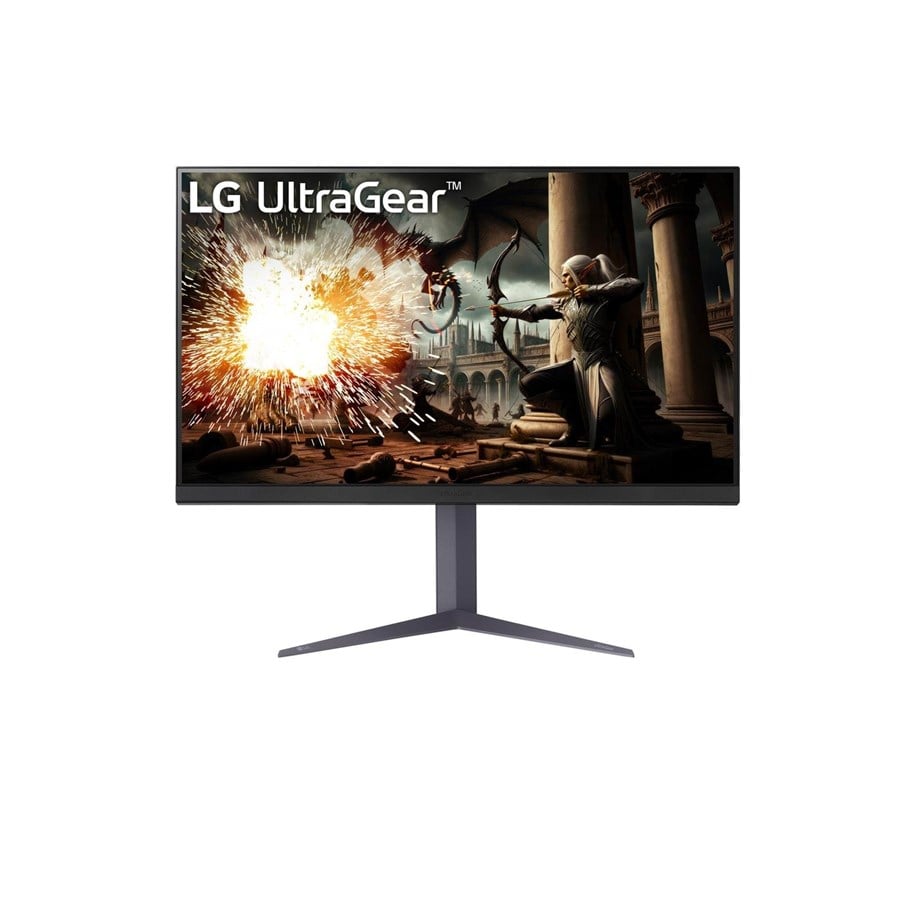
LG UltraGear 32GS75QX-B - 2560x1440 (QHD) - 180Hz - IPS
LG UltraGear 32GS75QX-B Monitor bietet schnelles, immersives Gaming mit einem IPS-Panel für weite Betrachtungswinkel und geringe Bewegungsunschärfe.
- Größe: 32"
- Auflösung: 2560 x 1440 (QHD)
- Bildwiederholfrequenz: 180Hz
- Paneltyp: IPS
- Anschlüsse: 2x HDMI, DisplayPort
- Besondere Merkmale: AMD FreeSync; NVIDIA G-SYNC Compatible; DisplayHDR 400; 1ms Reaktionszeit; 99% sRGB; 3-seitig nahezu rahmenloses Design
Schnelle Reaktion, präzise Farben und vielseitige Anschlüsse sorgen für flüssiges E-Sport-Gameplay und detaillierte Darstellungen beim Spielen und Streamen.
Closer to winning.
Rev up your gaming world with 180Hz speed. Ignite your gameplay with a QHD resolution, IPS wide viewing angles, and a jaw-dropping 180Hz refresh rate.
Upgraded speed.
New standard.
We have raised UltraGear's speed standard to 180Hz. You can enjoy ultra-clear and smooth images with a 180Hz refresh rate, which loads images 180 times in a second.
Sharp image
From any angle
Experience the vibrant visuals with a 1ms fast response time, which reduces reverse ghosting and input lag. In addition, the IPS panel allows you to enjoy these stunning images clearly from a wide angle (up to 178 degrees).
Feel true-to-life colour
This monitor supports a wide color gamut, sRGB 99% (Typ.), and VESA DisplayHDR™ 400, reproducing high-fidelity colors for gamers to see the dramatic colors the game developers intended regardless of the battlefield.
Technology for flawless gaming
Enjoy the perfect graphic with reduced tearing, stuttering, or jittering caused by differences in the hardware and software specification by synchronizing through NVIDIA® G-SYNC® Compatible, AMD FreeSync™.
Gamer-centric design
Enhance your gaming experience with a 3-side virtually borderless design for an immersive viewing. The adjustable base, which supports tilt, height, and pivot, helps you play games more comfortably.
Award winning gaming GUI
Gamers can use On-Screen Display and OnScreen Control to easily customize the setting from adjusting basic monitor options to registering ‘User Defined Key’ that user can set the shortcut.
Bildschirm
Leistungen
Design
Anschlüsse und Schnittstellen
Ergonomie
Energie
Gewicht und Abmessungen
Verpackungsdaten
Lieferumfang
Sonstige Funktionen
Die genannten Informationen und Spezifikationen können vom Hersteller jederzeit und ohne vorherige Ankündigung geändert werden. Die Herstellerabbildungen dienen ausschließlich der Veranschaulichung. Irrtümer und Schreibfehler bleiben vorbehalten. Deutsche Bedienungsanleitungen sind in einigen Fällen ausschließlich digital verfügbar und nicht Bestandteil des Lieferumfangs. Teile des Textes wurden möglicherweise automatisiert erstellt oder maschinell übersetzt und können daher in Einzelfällen missverständlich sein.